

Ultra Pro 8pc RGBW Rock Lights
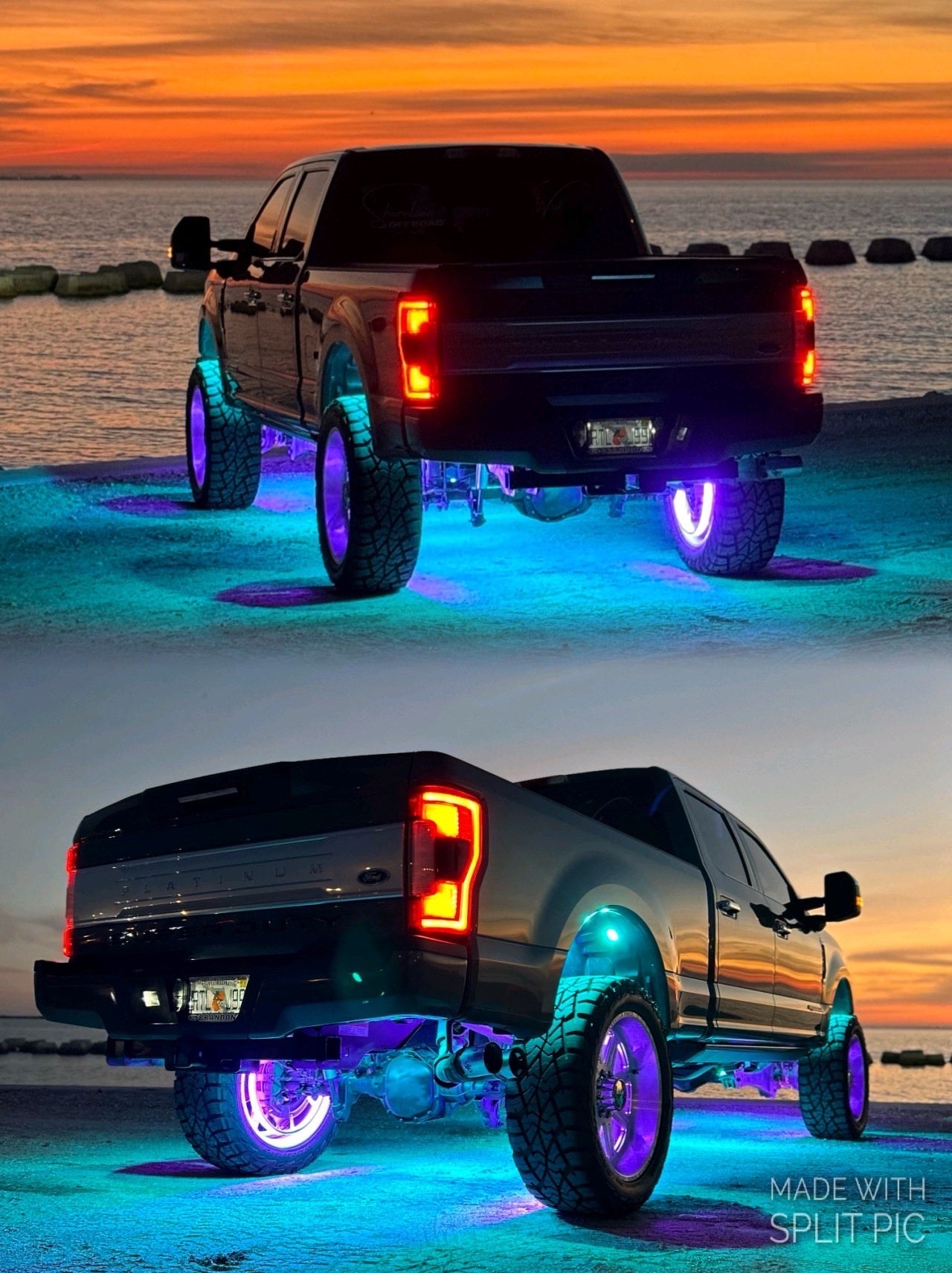
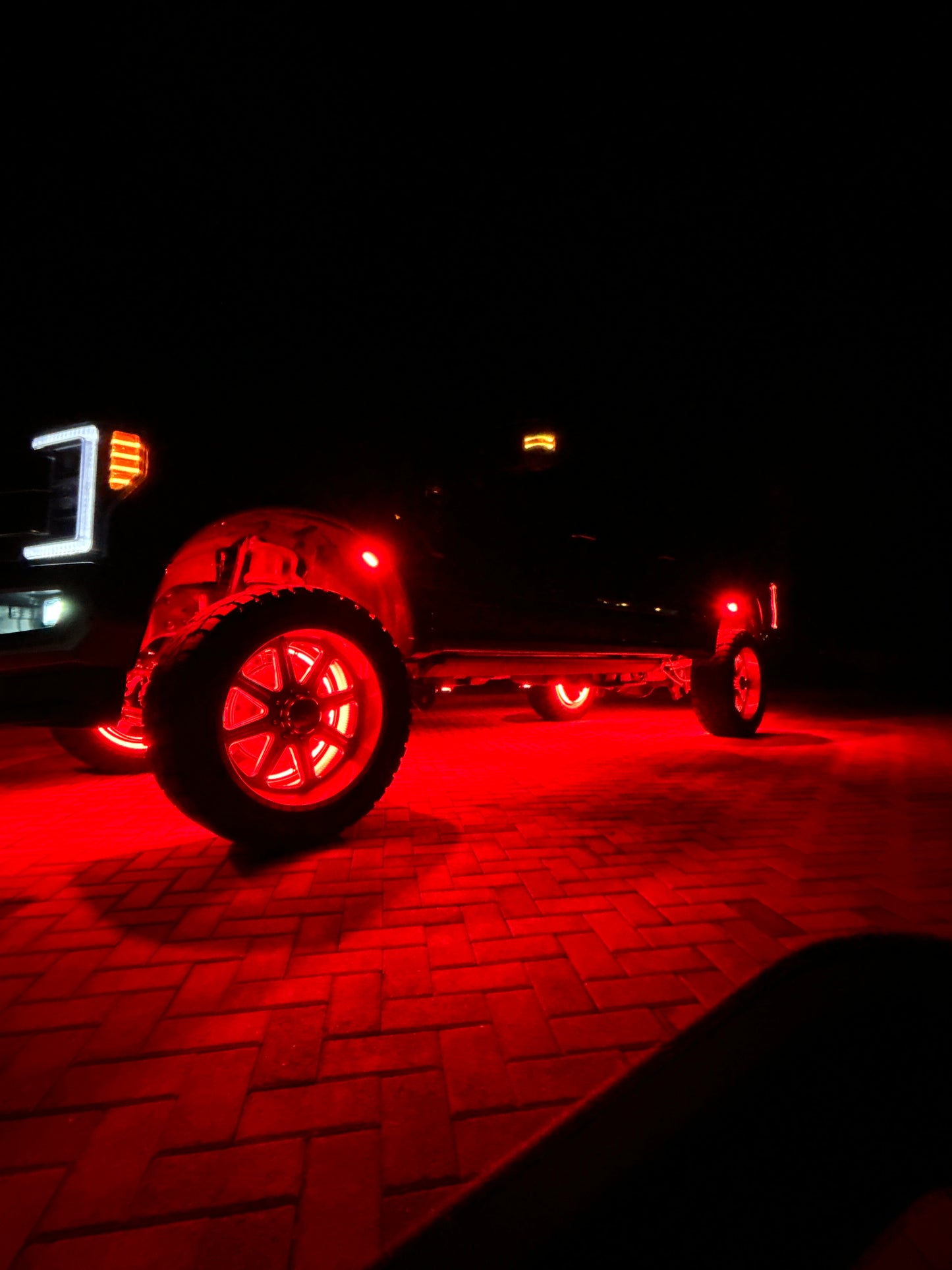
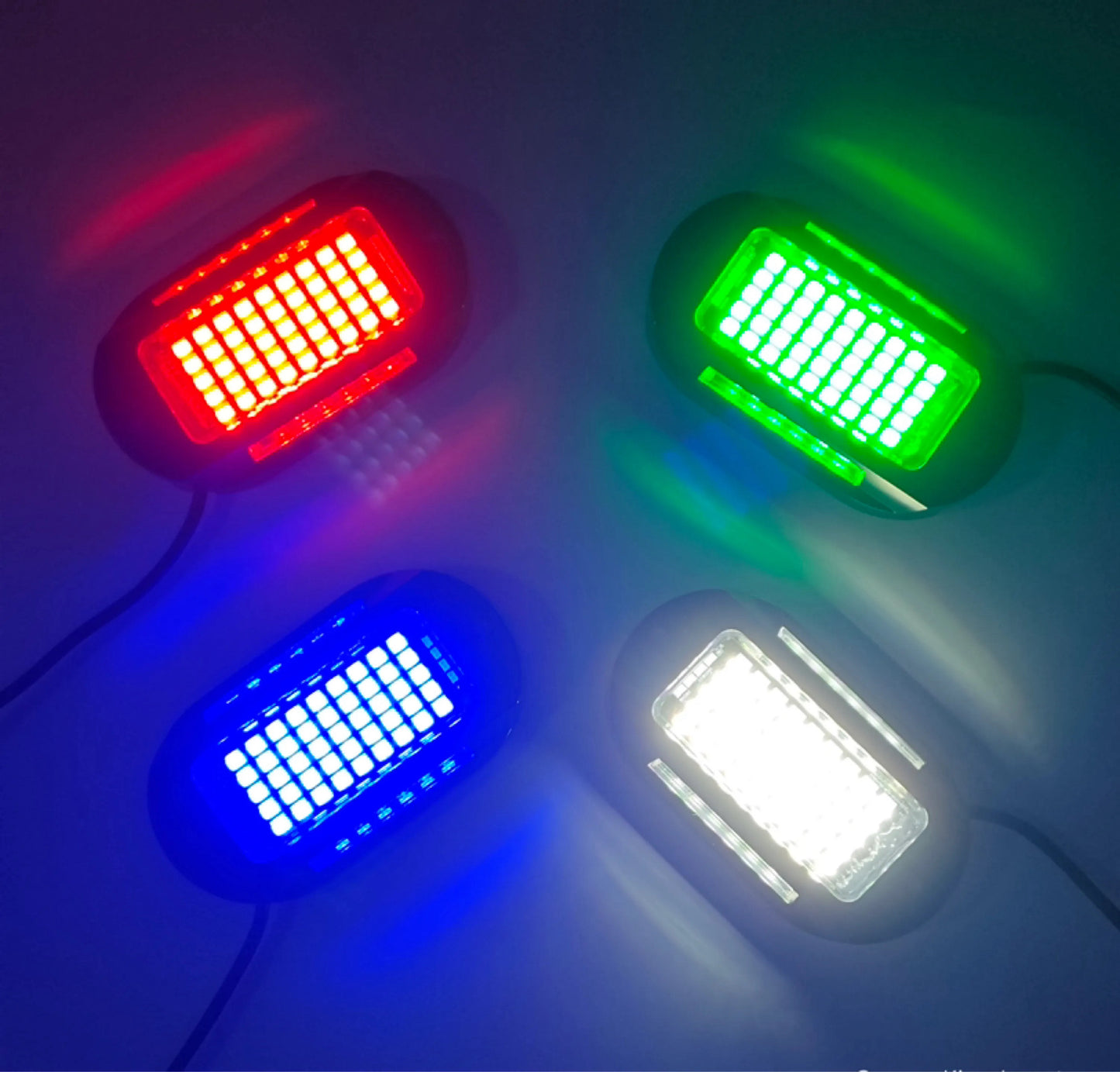
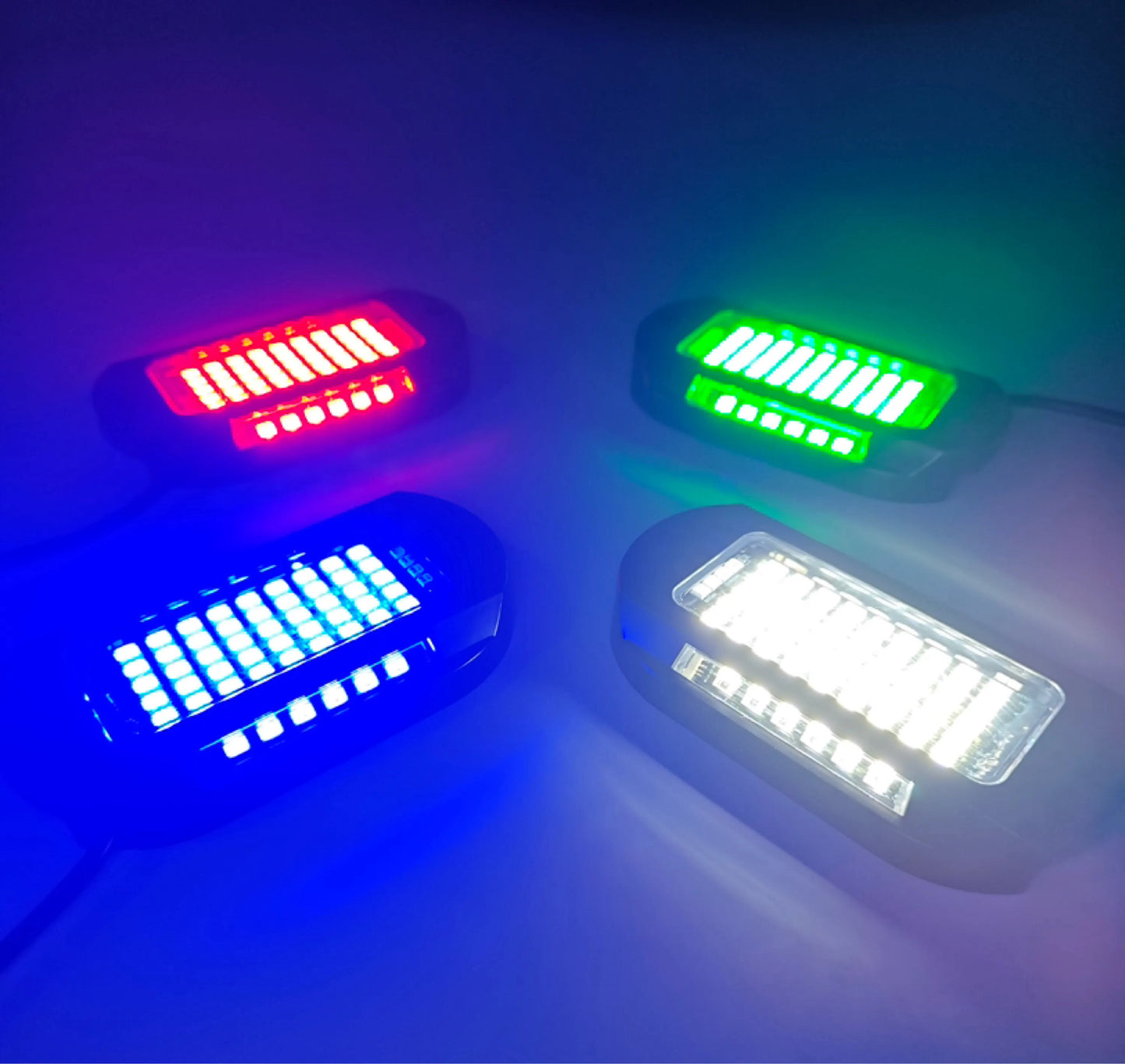
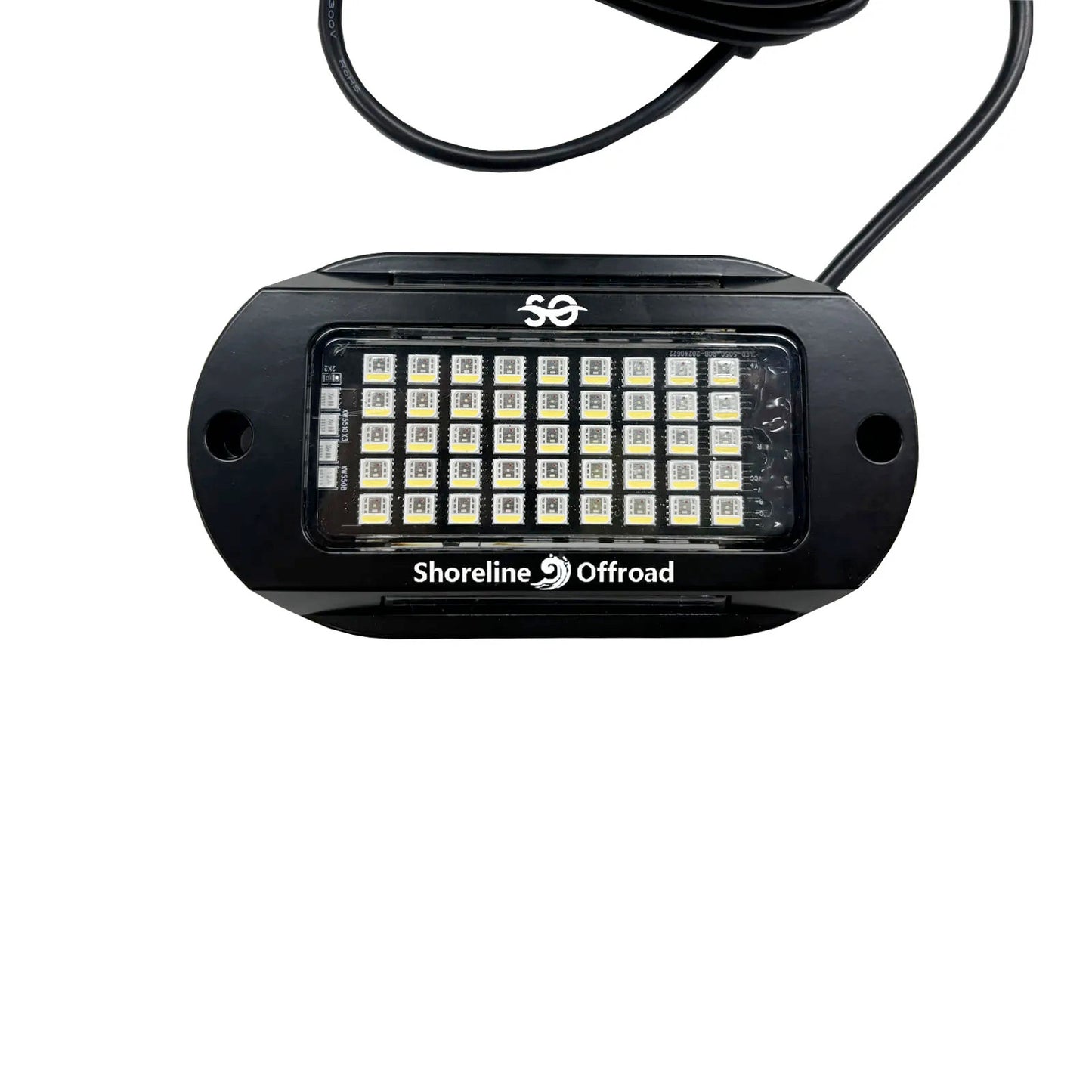
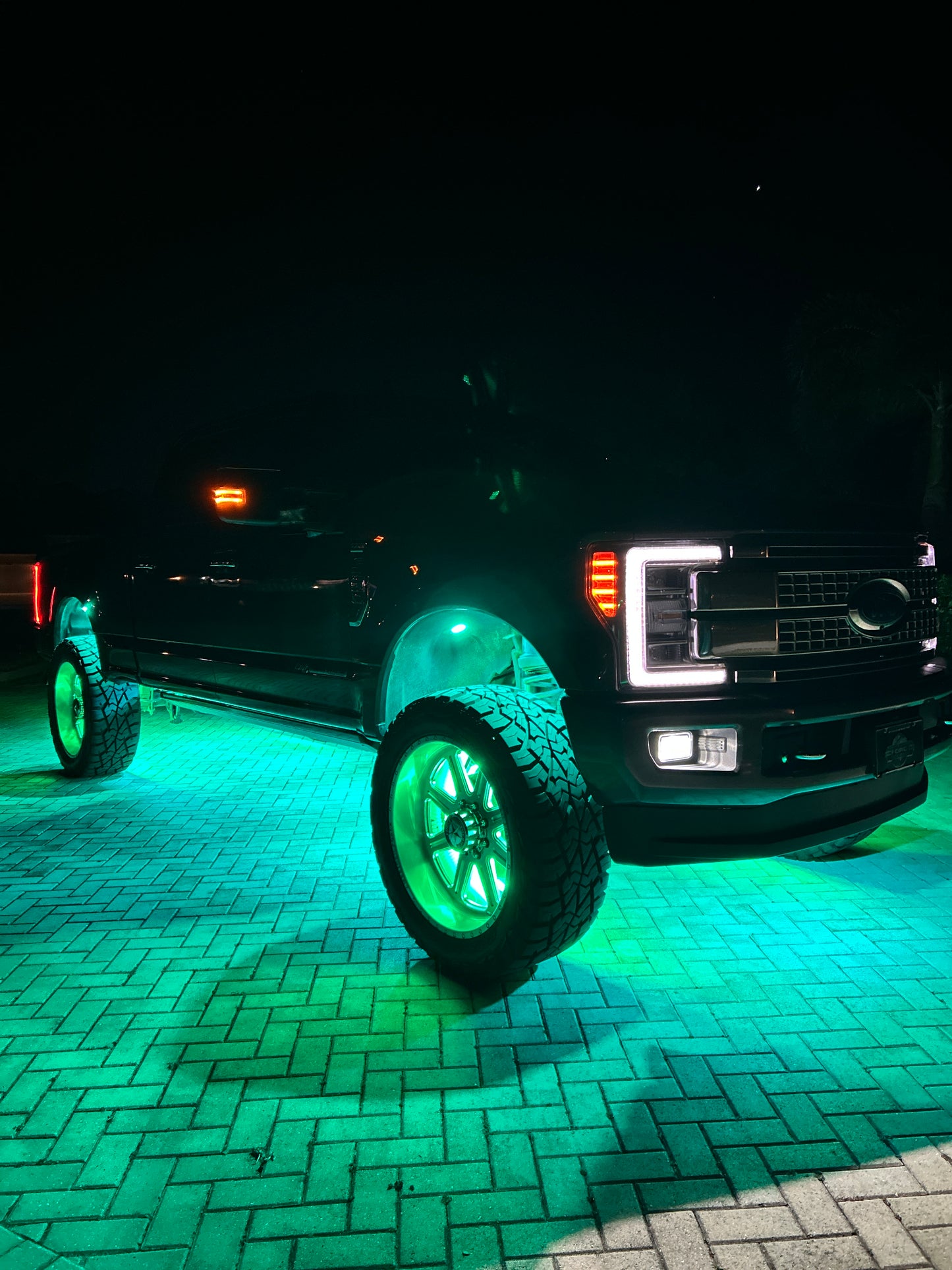
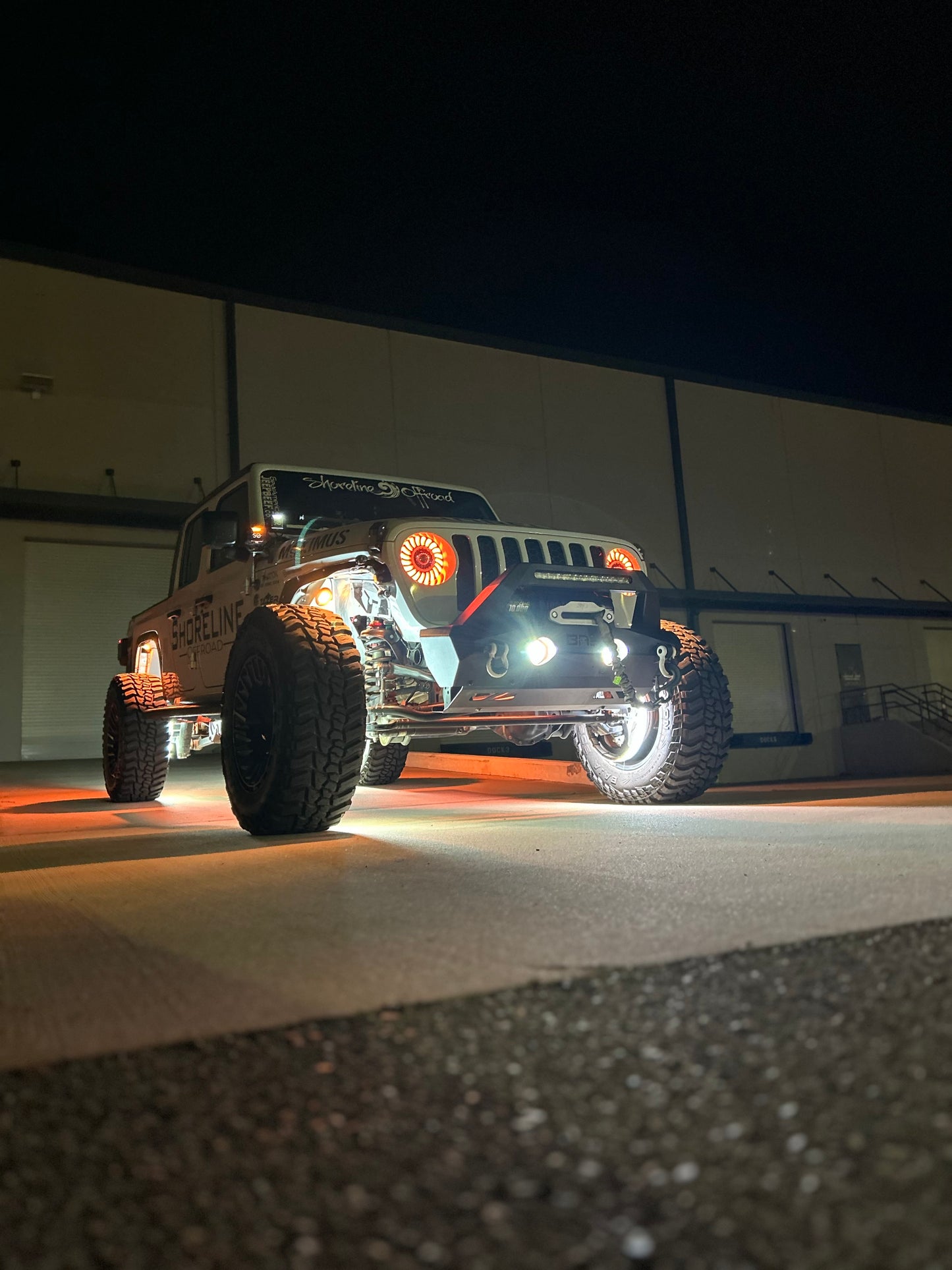
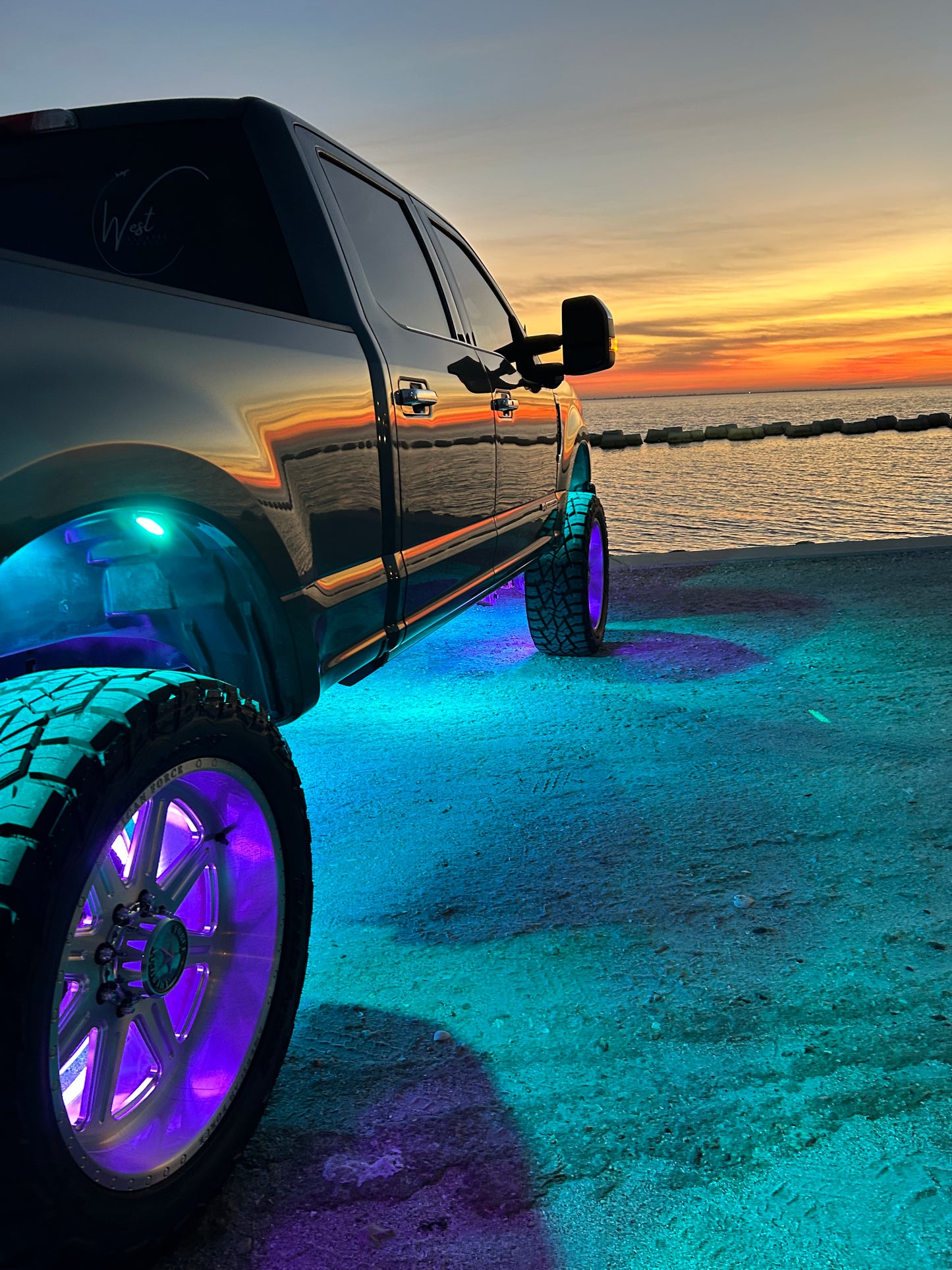
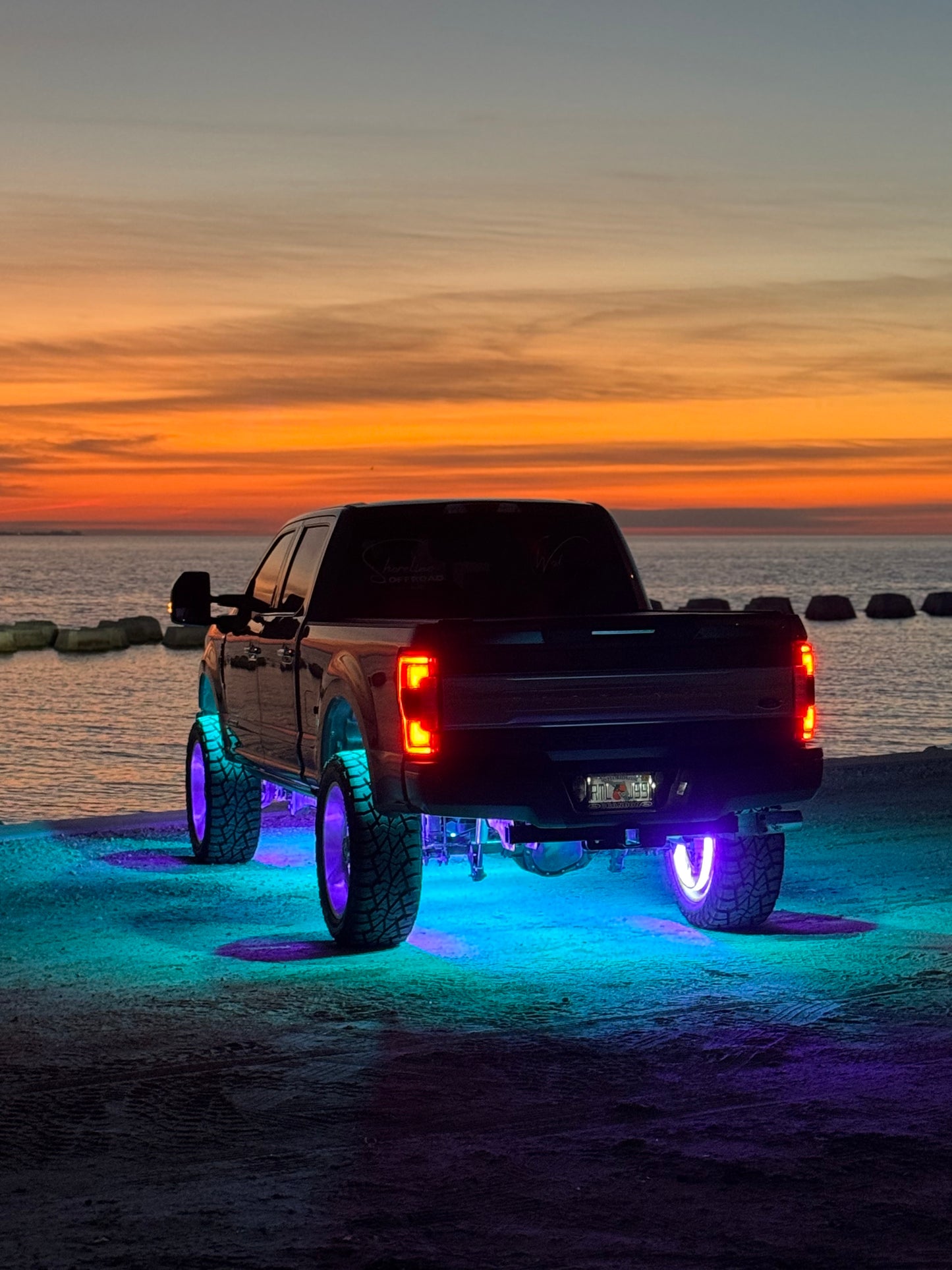
The big-output rock kit. About 1,500 lumens a pod and 12,000 lumens across the set, in full RGBW color with a real dedicated white, sealed IP68 and run from your phone.

From Coast 2 Krawl We Light It All
Instructions & Install
Everything for your Ultra Pro RGBW rock light install lives right here on the page. Work through it in order: plan your placement, mount, wire power, then pair the app and test before you button up.
8 Pods RGBW True Color About 1,500 Lumens per Pod 12,000 Lumens Total IP68 Waterproof LEDShow App
Tap a card to open it.
01 What's in the Box and Tools

What's in the Box
- Eight RGBW rock light pods with leads
- LEDShow Bluetooth controller, 4-zone
- Controller power harness with inline fuse
- RF remote
Tools You Will Need
- Drill and bits or a screwdriver for pod mounting
- Zip ties and electrical tape
- A 12V source for the bench test
02 Before You Start
Read This First
- Disconnect the battery before any wiring.
- If your rig runs an auxiliary switch panel, disconnect the panel at the switched fuse so every circuit stays dead while you work.
- Plan the whole install before the first hole: pod placement, lead runs, and controller location from the next two cards.
- The controller is the brain of this kit. Everything runs through the LEDShow app or the RF remote.
03 Placement
Where the Pods Go
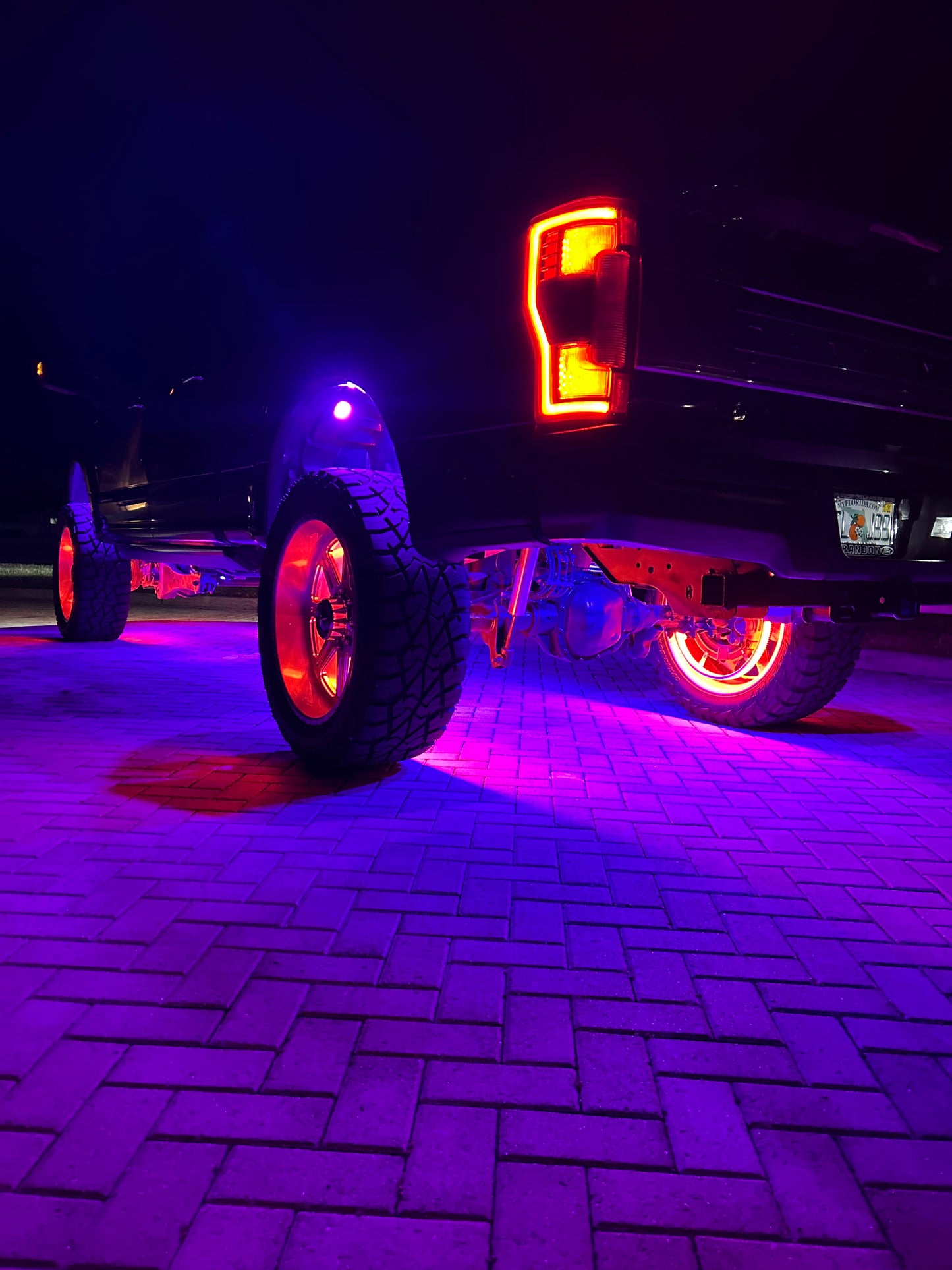
Eight pods is enough to ring the whole underside: wheel wells, frame rails, rock sliders, and bumpers are the usual homes. Point the pods down and slightly out, so the light pools on the ground around the rig and shows you the terrain and your tire placement.
- Keep pods and leads clear of steering and suspension travel, and away from exhaust heat.
- Dry-fit every pod and lead before you drill or stick anything down.
- Route leads along the frame toward the controller, and keep plugs where you can reach them later.
The controller runs four zones. Group your pods by area, front pair, rear pair, left side, right side, so the app and remote can run each area on its own color and mode.
04 Install and Wiring
- Bench test first. Connect the controller to a 12V source on the bench, plug in a pod, and confirm the app pairs and the pod answers before anything goes on the rig.
- Mount the controller in a dry spot, under the hood or in the cab, where its leads reach your pod runs.
- Mount the pods from the placement card, and run each pod's lead back to the controller, plugged into the zone outputs in the groups you planned.
- Wire power. Red to a fused 12V source. Shoreline recommends a switched ACC or fuse box circuit, so the controller sleeps with the rig. Black to a clean ground: bare metal on the chassis, the battery negative, or an engine ground.
- Reconnect the battery, power the kit on, and pair the app from the next card.
- Test every pod and every zone, then zip tie the leads up and out of harm's way.
Wiring Note: Shoreline's standard install uses the red and black power wires only. Your harness also carries blue and white override wires. We do not recommend wiring them, but they are there if you want the option. The blue wire is a brake light and red override: it brings the red light on with the brake signal, even when the kit is off at the app or remote. The white wire is a courtesy and white override: it brings the white light on the same way. Because an override can light the kit while the controller shows off, most owners who use one put it on its own switch.
05 App and Modes

The LEDShow app runs this kit from your phone, and the included RF remote covers the same basics when your phone is not handy. Between them you control color, the dedicated white, brightness, speed, modes, music sync, timing, and up to four independent zones from the one controller.
Pairing the App
- Download LEDShow from the App Store or Google Play. The link is up in this product's description, and a QR code for it is in the box.
- Finish the wiring and power the kit on.
- Open LEDShow. It finds the controller and connects over Bluetooth on its own. Do not pair from your phone's Bluetooth settings menu. If you already did, delete the app and reinstall it, then open it again.
- Tap the on/off switch on the main screen to confirm the kit answers.
- The four zones sit at the top of the main screen. Tap a zone to set its color and mode, and tap it again to release it. The Bluetooth device icon can run more than one controller at once.
What the App Does
- Home screen: color wheel, classic colors, RGB sliders, and brightness.
- Mode page: preset and DIY modes. Hold a DIY slot to build a custom color set with a breathing or strobe effect, then confirm at the top right.
- Music page: the lights dance along with your music.
- Settings, top right: RGB and RGBW color sequence, timing, and music mode options.
- Power cut memory: the controller keeps your last color and mode when power cycles.
Pairing the RF remote: pull the fuse to cut power. Hold the remote's OFF button down and put the fuse back in, holding for two more seconds. The fob lights blink when the pairing lands. On the remote, the zone keys I, II, III, and IV switch zones on with one press and off with the next.
Specs
- Pods: 8
- Color: RGBW true color, color plus a dedicated white
- Output: About 1,500 lumens per pod, 12,000 lumens total
- Draw: 28.8 amps
- Modes: 16 static colors, 20 dynamic modes
- Sealing: IP68 waterproof
- Zones: 4 independent zones on one controller
- App: LEDShow (Bluetooth) with RF remote
- Voltage: DC 12V
- Warranty: 2 years
06 Troubleshooting
- The app will not connect, but the remote works: delete the app, pull the fuse for five minutes, reinstall the app, and power back up.
- The app works, but the remote does not: put fresh batteries in the remote, then re-pair it with the fuse procedure in the app card.
- The controller drains the battery: power the controller from the vehicle's ACC or fuse box, or another switched circuit, not straight off the battery.
- One pod stays dark: check its plug and lead first, then confirm its zone is switched on at the top of the app's main screen.
Fitment / What These Fit
Ready Now
Jeep Wrangler and GladiatorFord BroncoTrucksUTV and Side by SidesAny 12V System
Universal fit: Jeep, Bronco, trucks, UTVs, and any 12V system.
Warranty & Support, Covered for 2 Years
Every Ultra Pro 8pc RGBW Rock Light Kit is covered by Shoreline's 2-year warranty. Something not right after the install? Real people answer at 941-348-6886.
Download the PDF SheetShoreline Offroad Co.
Bradenton, Florida - 941-348-6886 - www.ShorelineOffroadCo.com
From Coast 2 Krawl We Light It All