

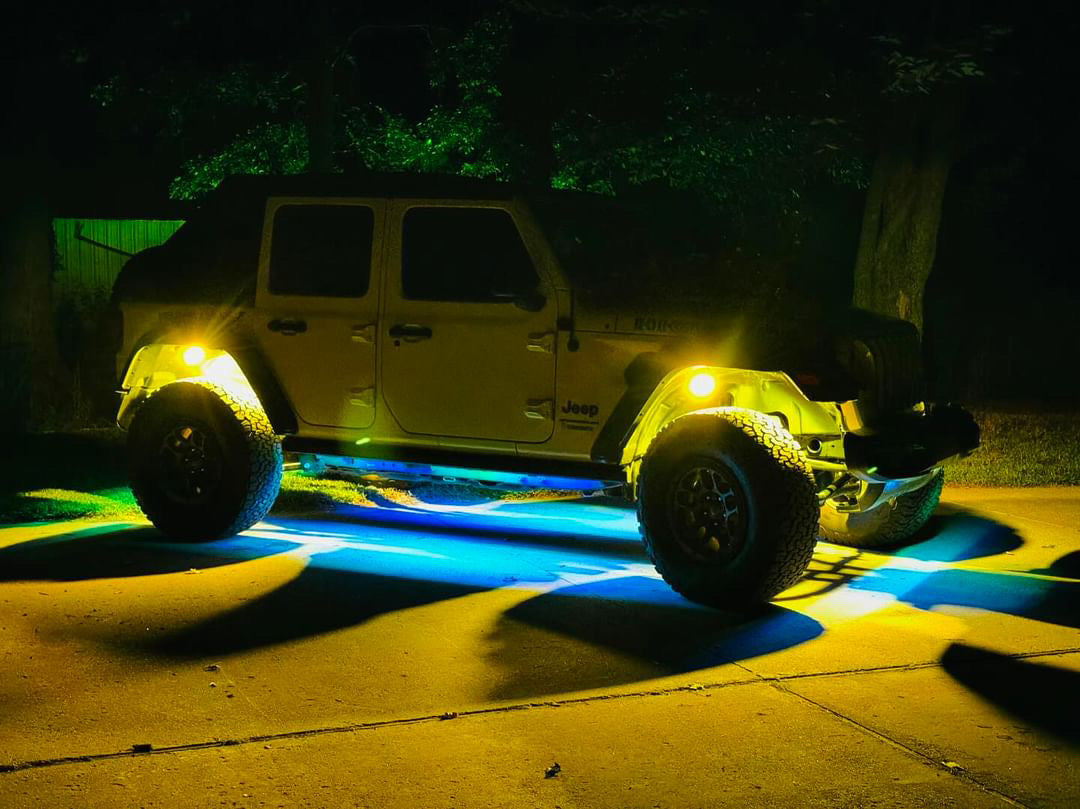
Pro Series Underglow Lighting Kit
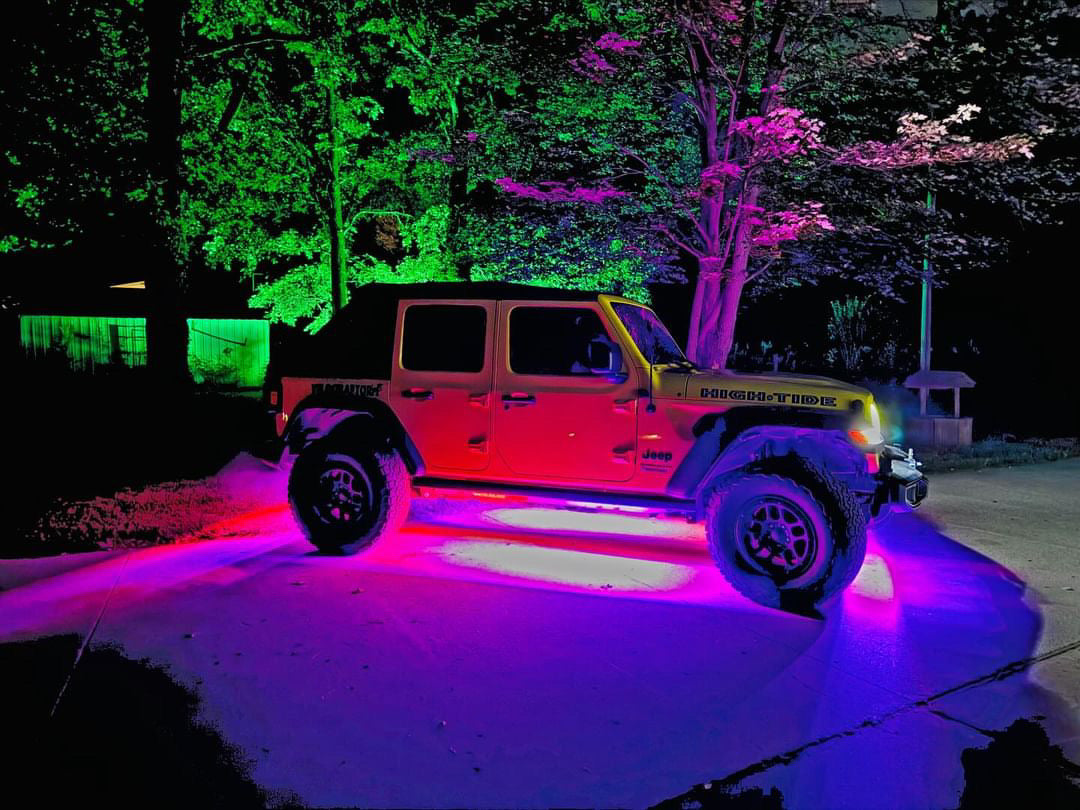
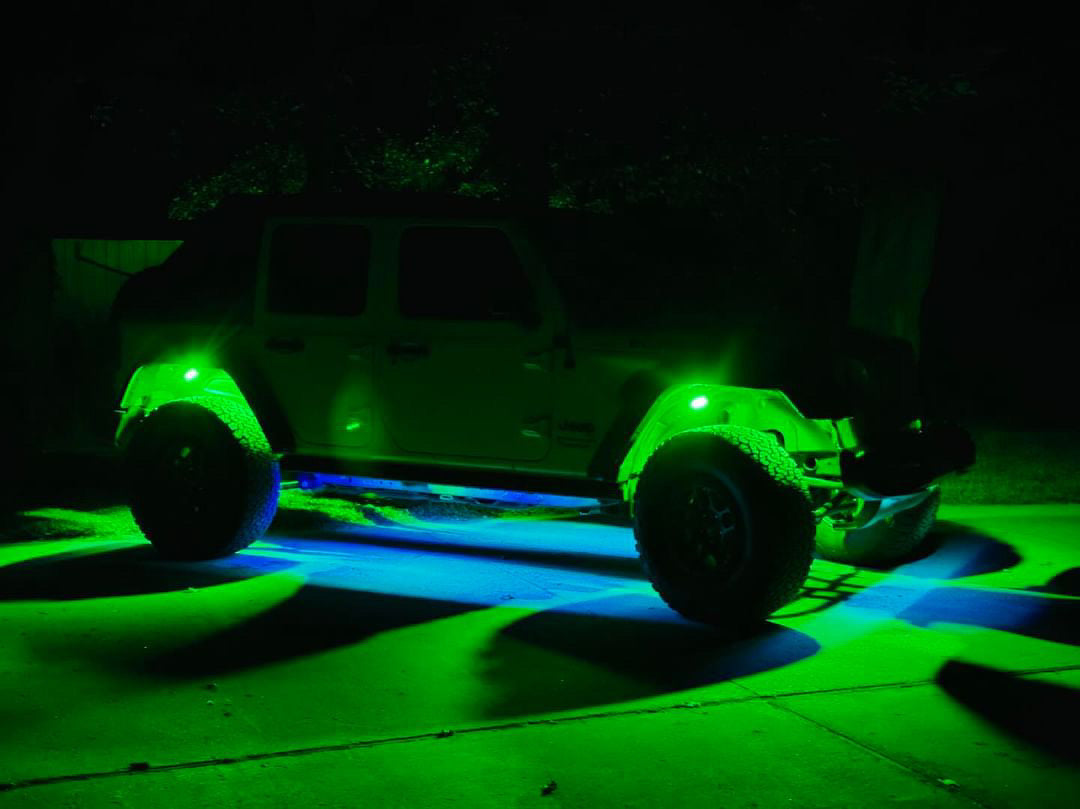
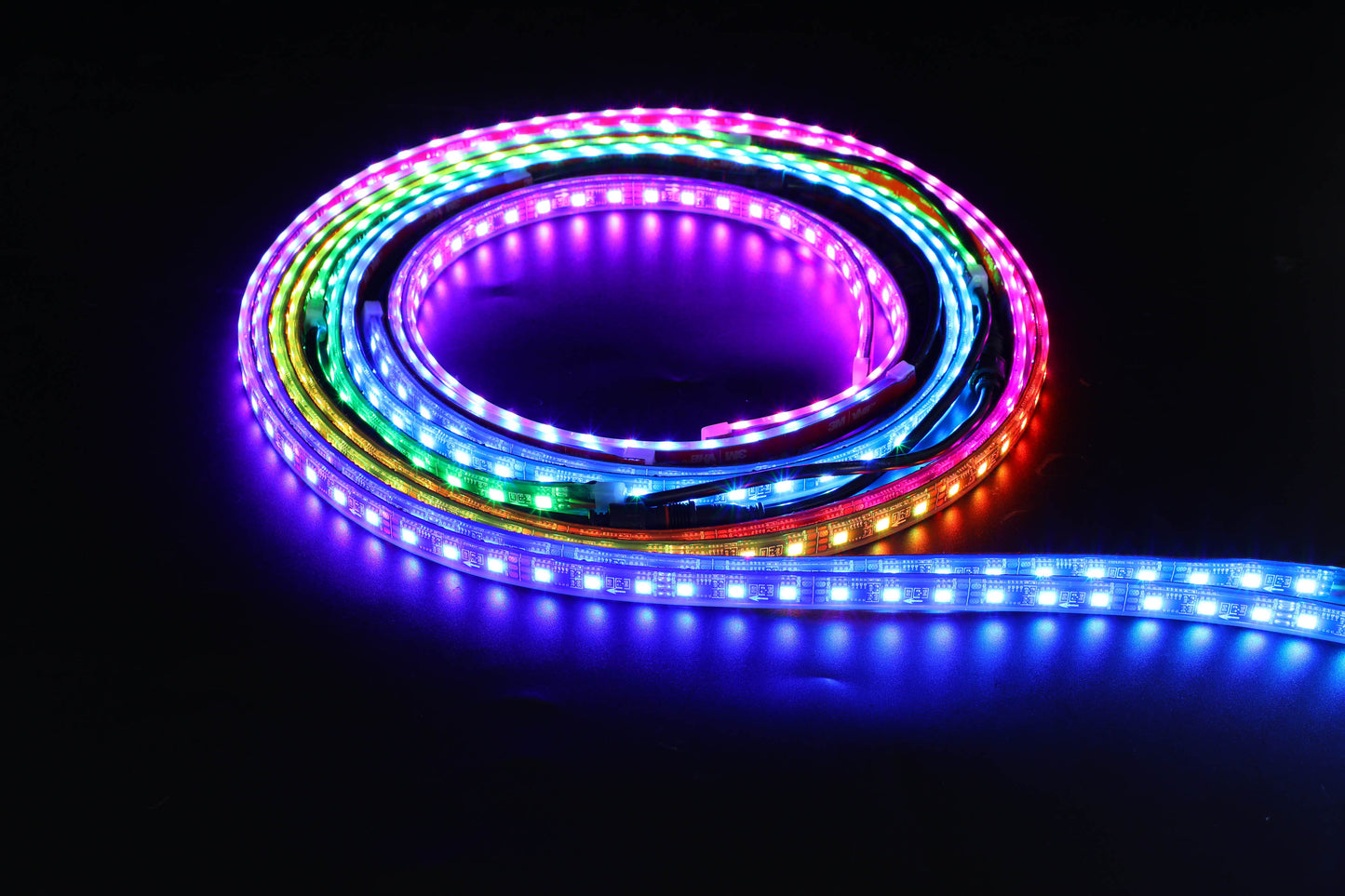
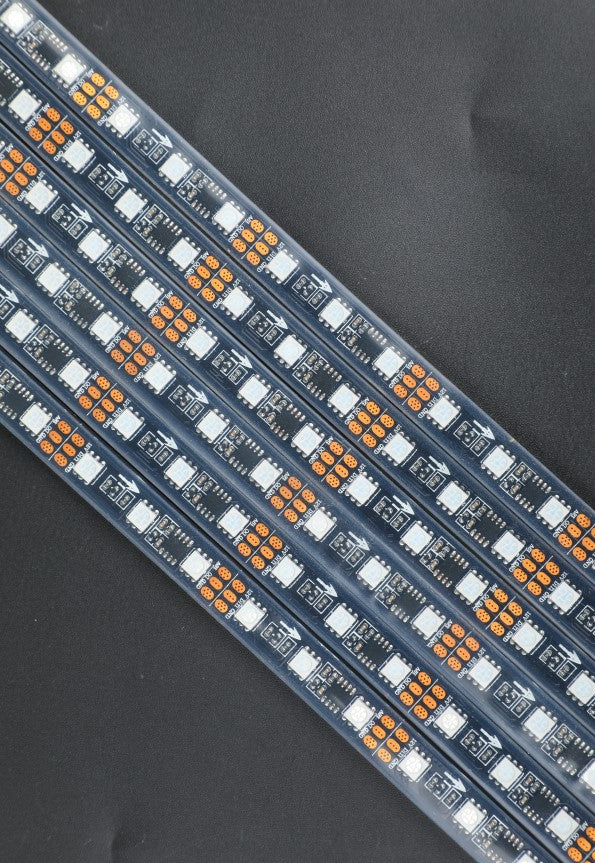
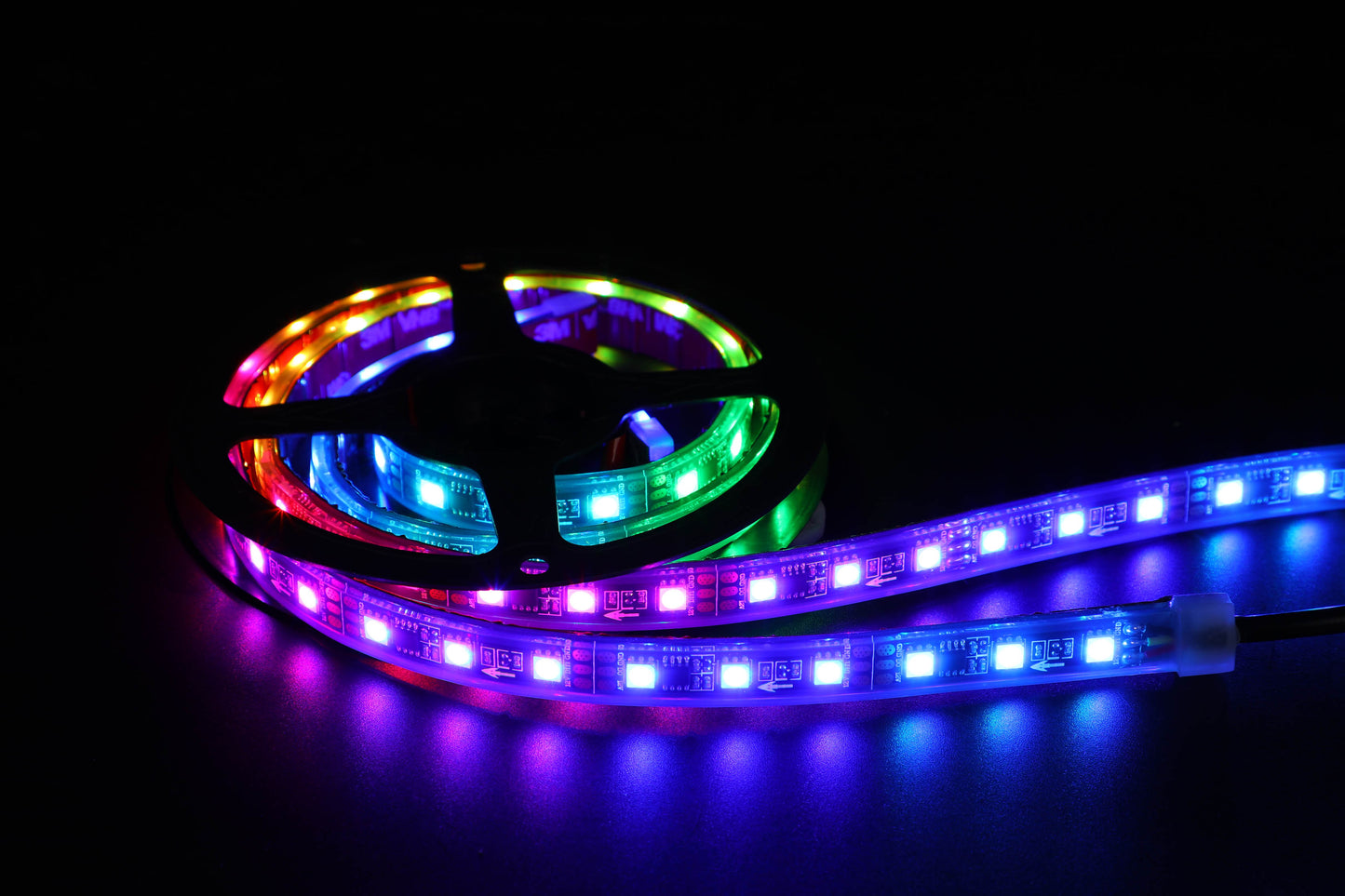
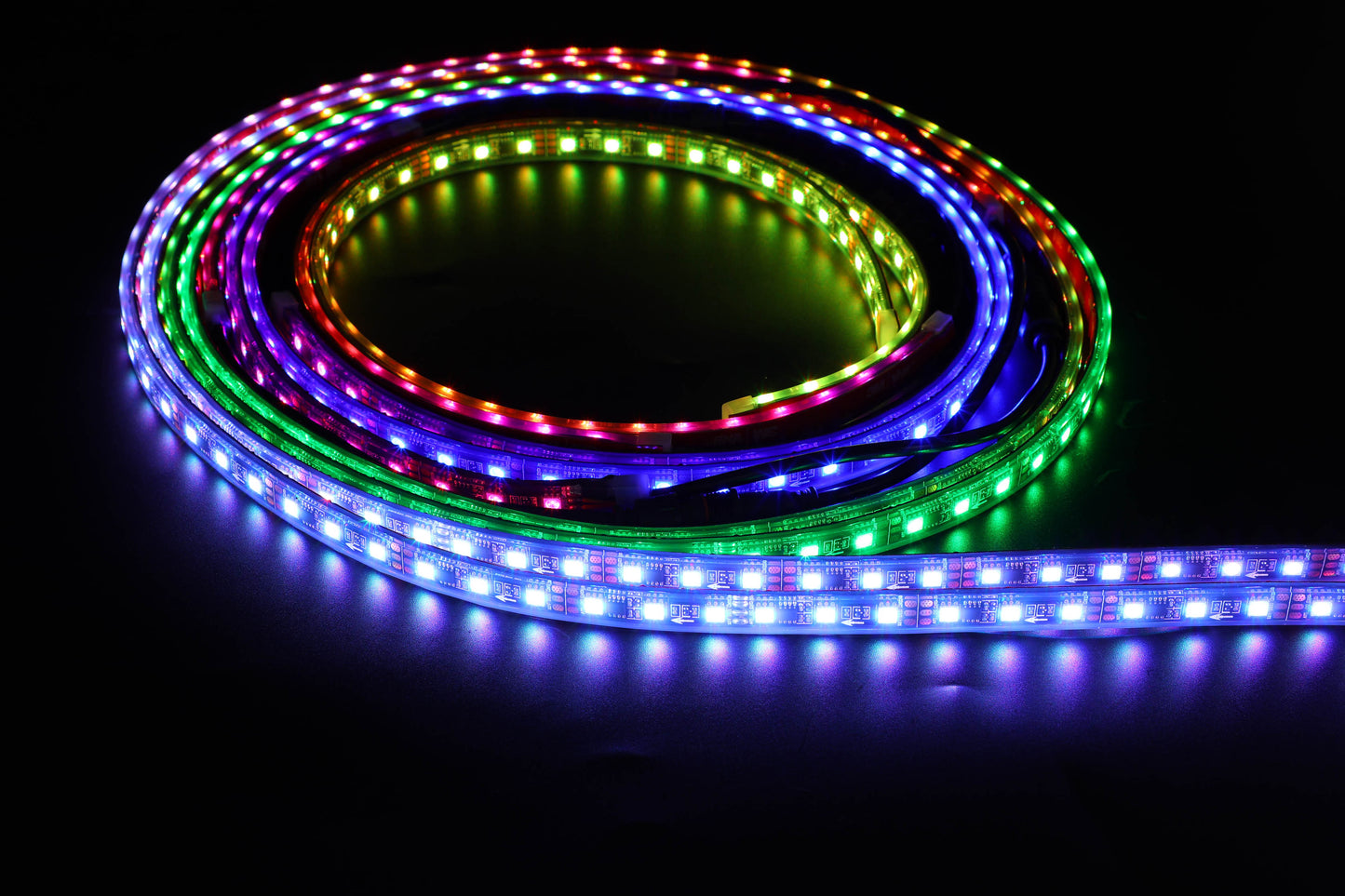
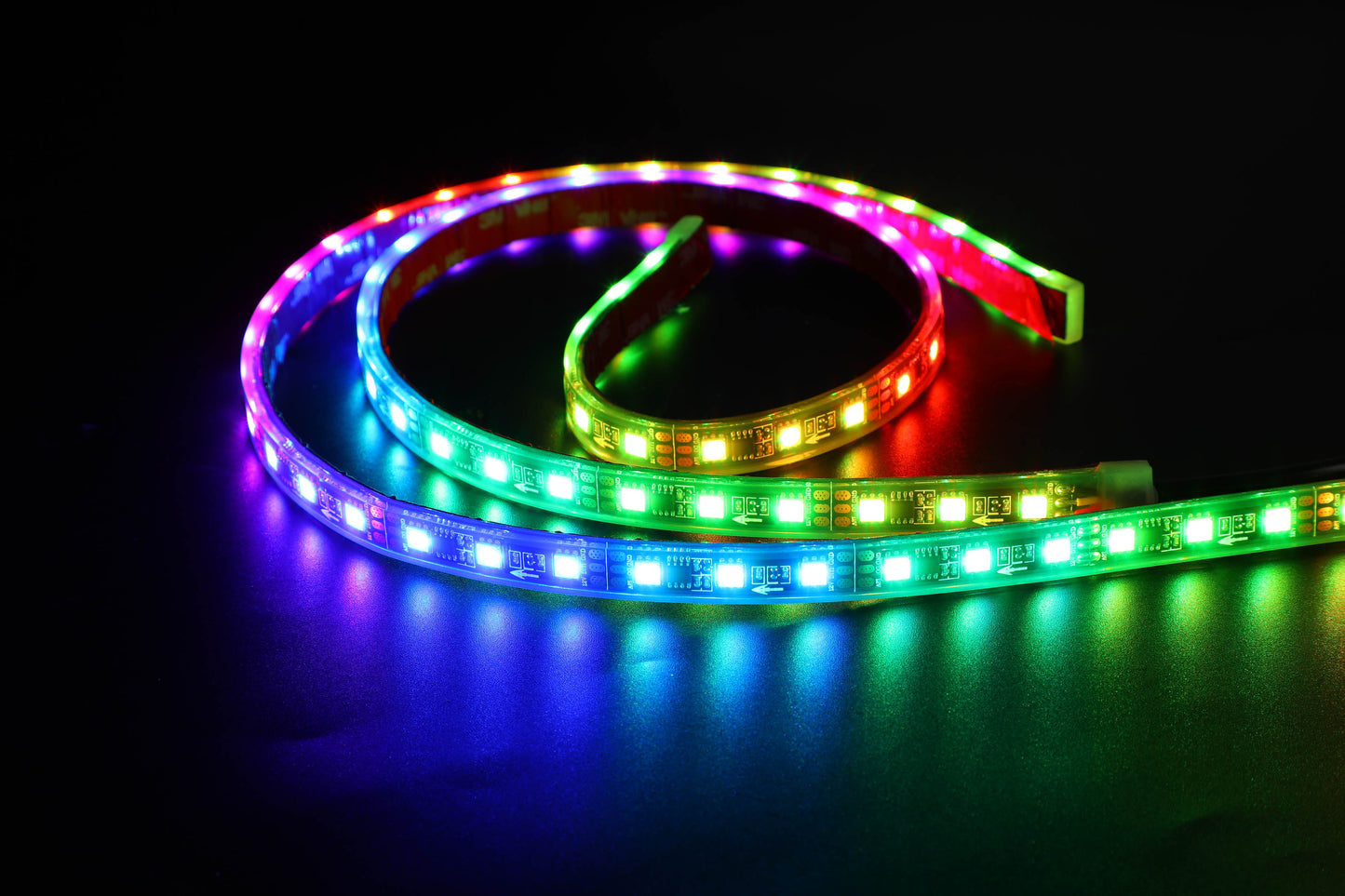
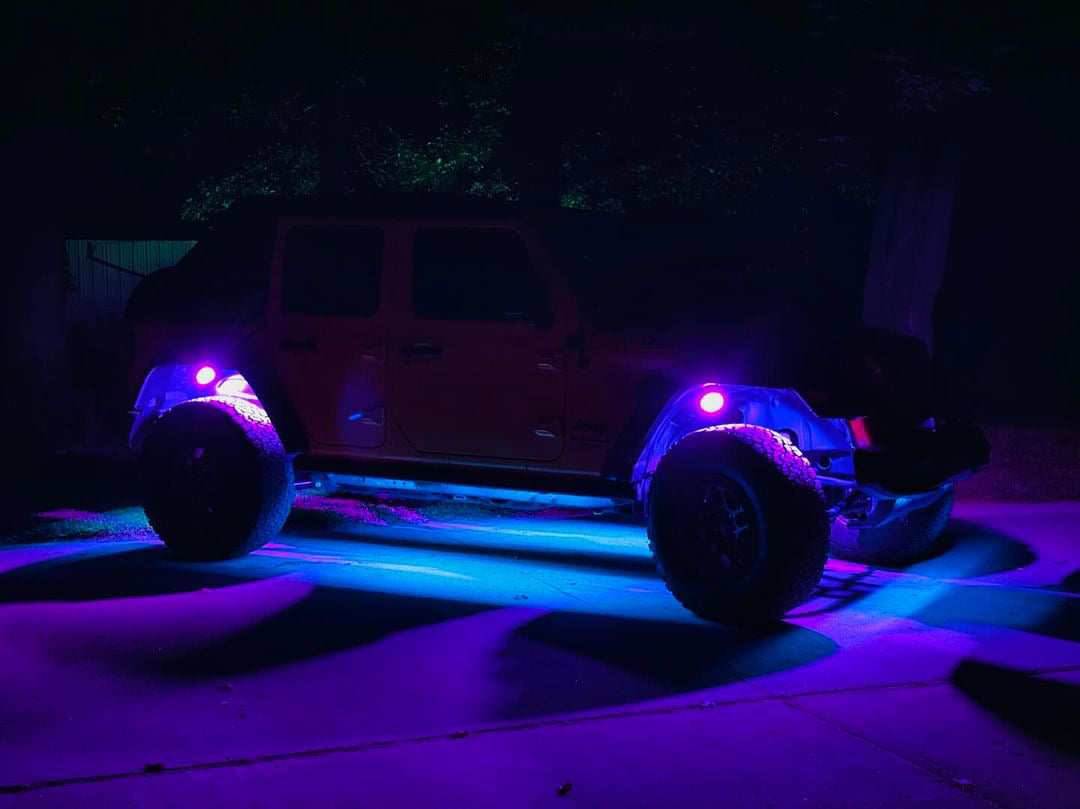
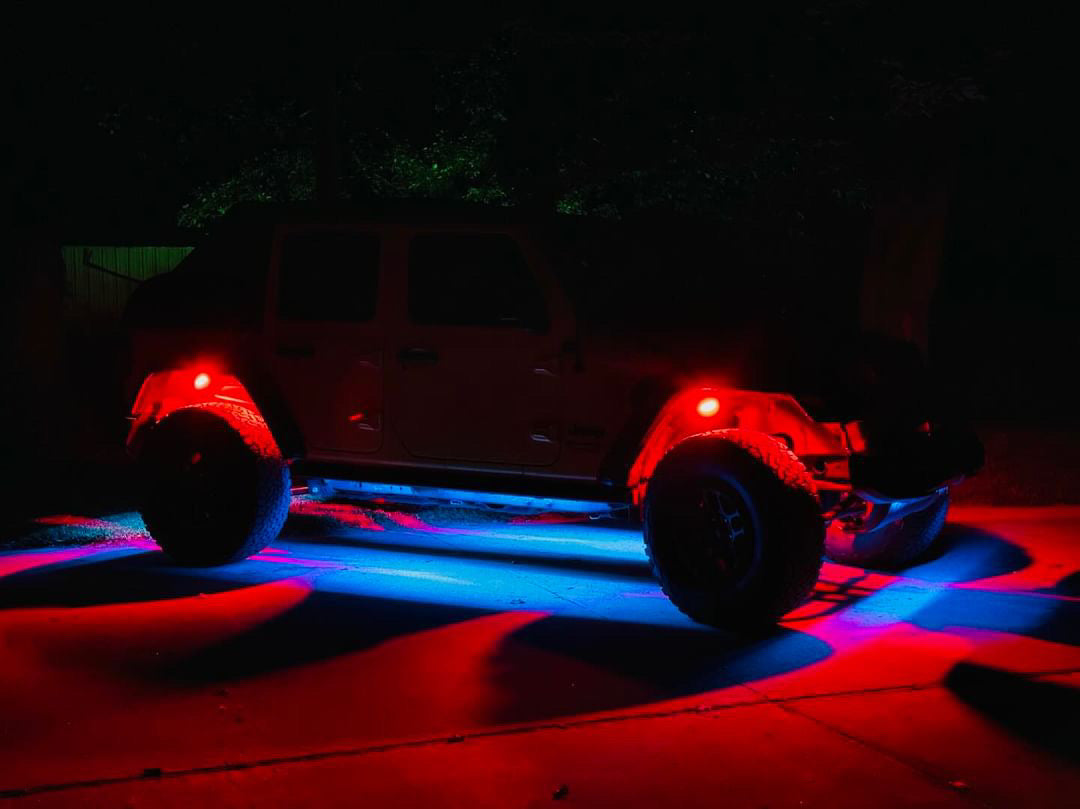
Six RGBIC strips ringing the whole underbody, front, sides, and rear, chasing in one unbroken flow from the Magic LED app. Two hundred plus dancing patterns, replaceable strips, and a full relay, fuse, and switch harness in the box.

From Coast 2 Krawl We Light It All
Instructions & Install
Everything for your underglow install lives right here on the page. Work through it in order: test the whole kit first, plan the loop and its signal direction, mount and wire, then set the app up with the controller settings from the manual.
6 Strips RGBIC Chasing Color 200+ Dancing Patterns Magic LED App IP68 Waterproof DC 12V
Tap a card to open it.
01 What's in the Box and Tools

What's in the Box
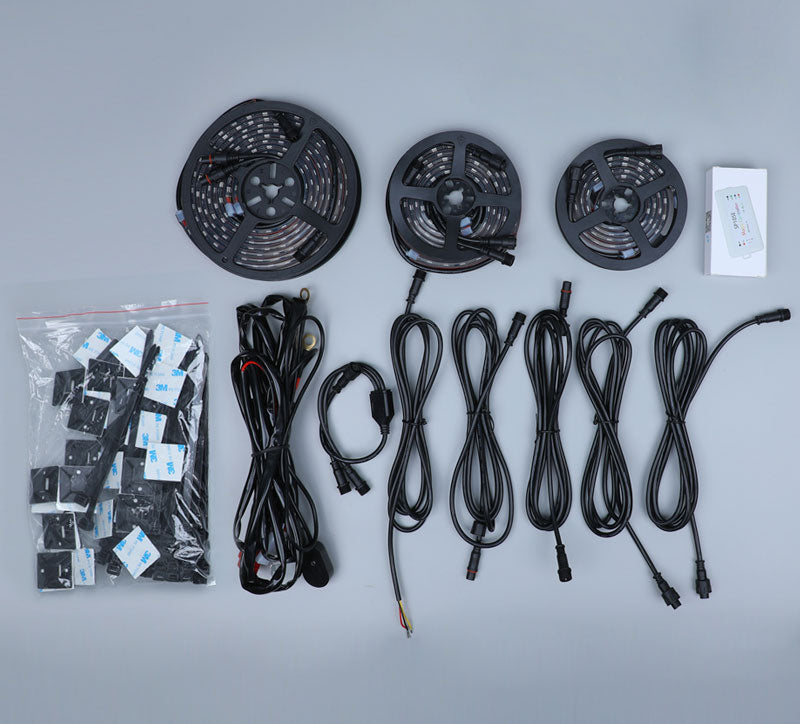
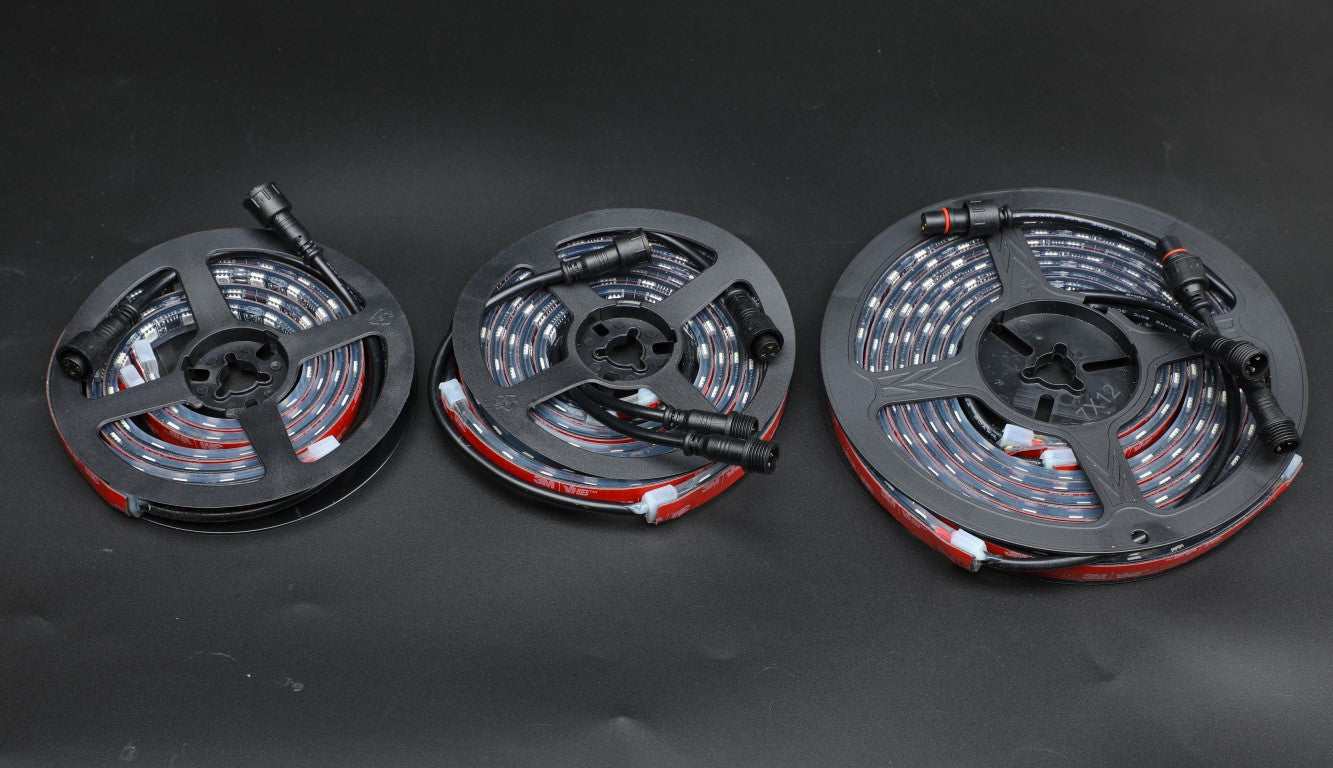
- Two front strips, 60 LED per meter
- Two side strips, 60 LED per meter
- Two rear strips, 60 LED per meter
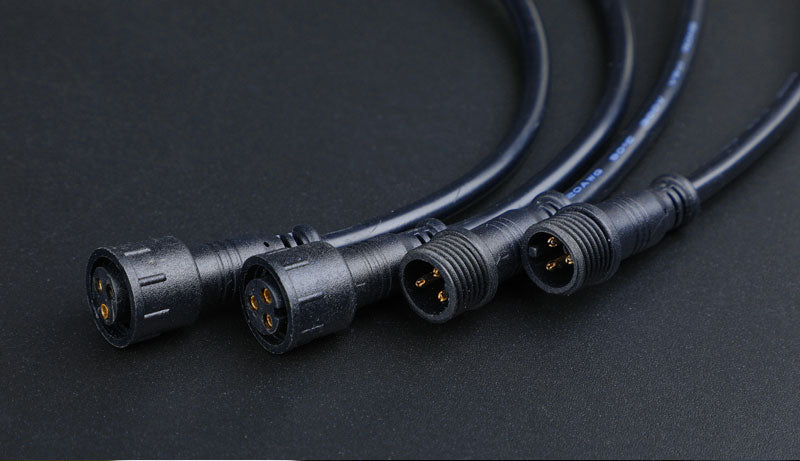
- Five 200cm extension connector cables
- Y-connector
- Bluetooth controller (SP105E) with 200 color-chasing modes plus unlimited solid colors
- Relay, fuse, and switch wiring harness
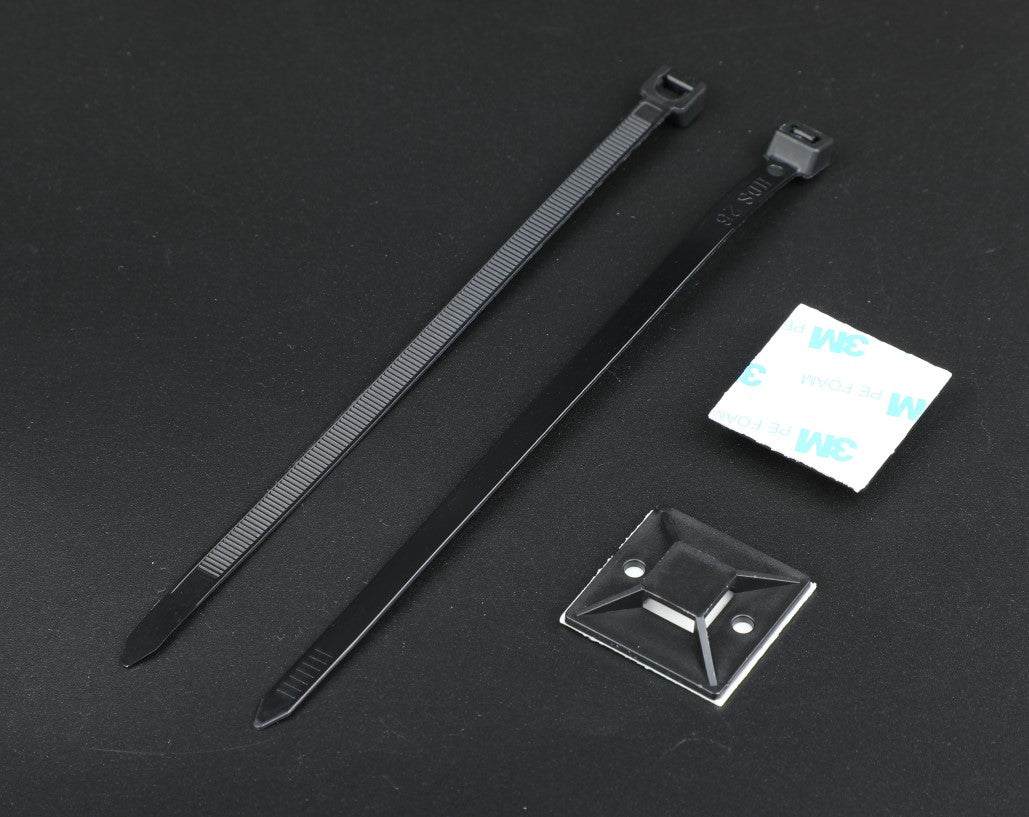
- Mounting tabs and zip ties
Tools You Will Need
- A clean cloth for wiping mounting surfaces
- Zip ties and electrical tape for cable fixing
- A 12V source for the bench test
02 Before You Start
Read This First
- Disconnect the battery before any wiring.
- If your rig runs an auxiliary switch panel, disconnect the panel at the switched fuse so every circuit stays dead while you work.
- Test the whole kit before installation. Connect it, power it, and confirm every strip lights and chases before anything goes under the rig.
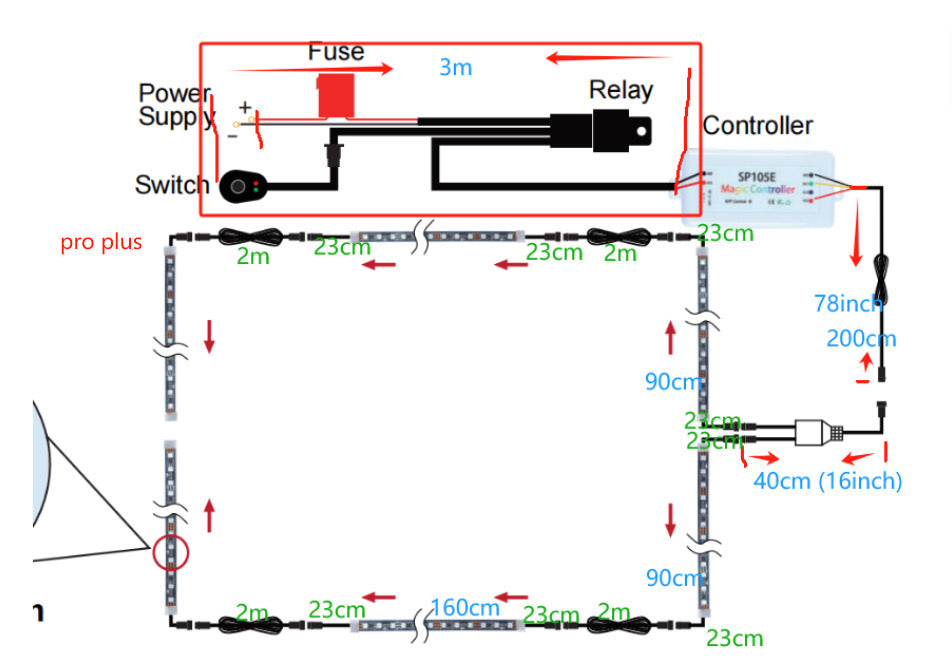
- The chase follows the signal direction: arrows on the strips mark which way the signal flows. Plan the whole loop so the flow runs one way around the rig before you stick anything down.
- The manual shows two layouts, A and B, which differ in where the loop starts relative to the controller. Pick the one that fits your rig and keep the signal direction consistent all the way around.
- Route strips and cables clear of exhaust heat, moving parts, and anything that can pinch a cable, and plan where the controller and harness will live before you start.
03 Placement and Signal Flow

The six strips form one loop around the underbody: a front pair, a side pair, and a rear pair, joined by the extension cables and the Y-connector. Power feeds the controller through the harness's fuse and relay, and the wired switch turns the kit on and off. Lay the loop out on the ground first, in the shape it will take under the rig, with every strip's signal arrow pointing the same way around the loop. That five minutes on the floor is what keeps the chase flowing unbroken once it is mounted.
04 Install and Wiring

- With the bench test done, wipe every mounting surface clean and dry.
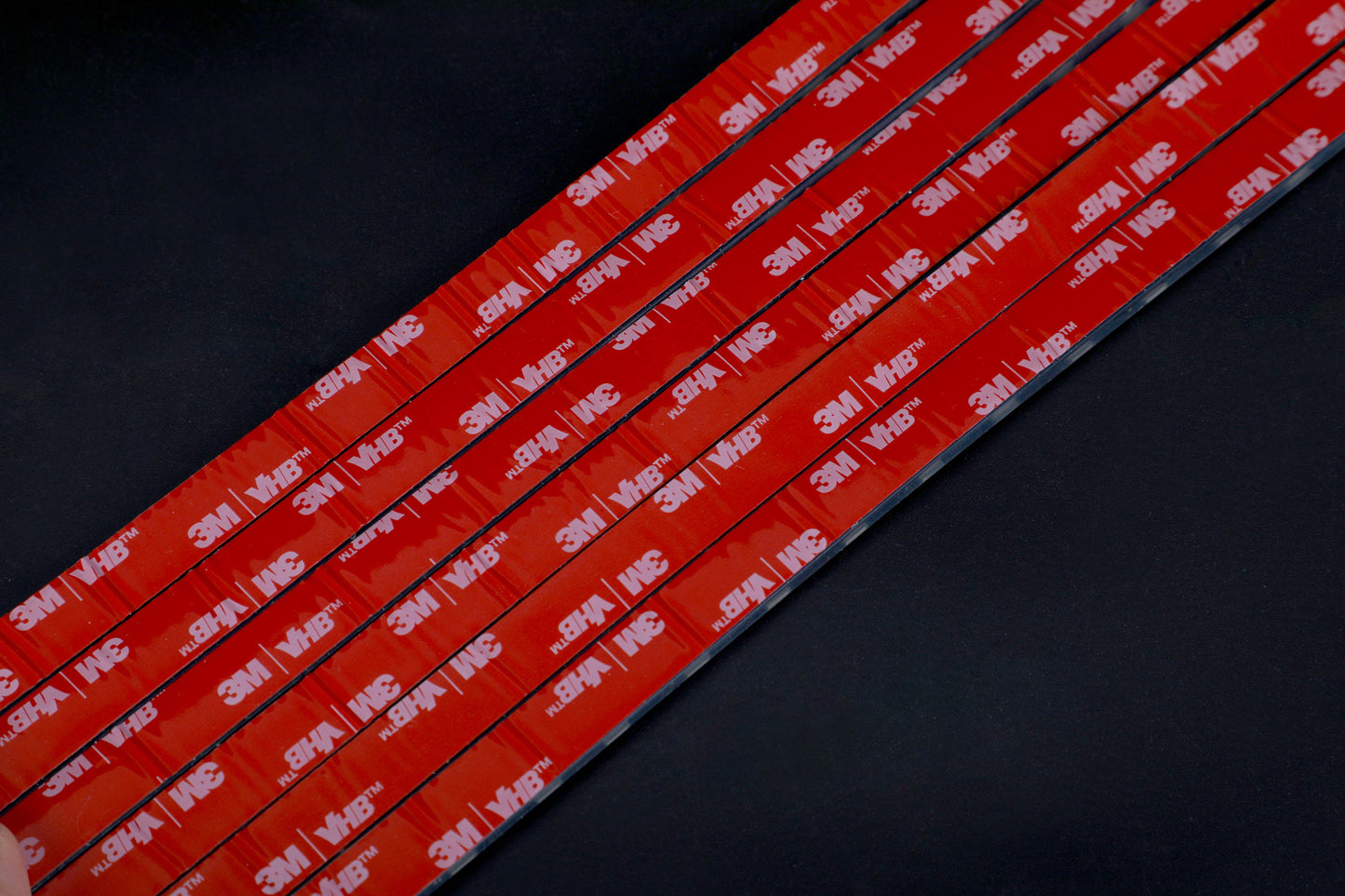
- Stick the 3M tape on clean, dry places and press each strip home. Give the tape 24 hours and it will stick well. Add the mounting tabs and zip ties so the strips stay put off-road.
- Connect the cables: strips to extensions to the Y-connector and controller, following the signal direction from the placement card.
- Fix the cables up and out of harm's way along the frame.
- Wire the harness: red wire to positive, black wire to negative, through the included fuse, relay, and switch, so the kit is fused and the wired switch controls power.
- Reconnect the battery, switch the kit on, and test the result, then set the app up from the next card.
05 App and Modes
What It Controls
The Magic LED app runs the controller's 200 plus dancing patterns and its unlimited solid colors. The wired switch stays the master power control; the app handles color and pattern.
Pairing and Controller Settings
- Download Magic LED from Google Play or the App Store.
- Power the controller on with the wired switch.
- Open the app, scan for the controller signal, and choose SP105E.
- In Settings, set total pixels to 110, color order to GRB, and chip type to WS2811. Those three settings are what make the chase map correctly to these strips.
Battery Note: From the factory manual: turn the kit off with the wired switch, not only in the app. If you only turn off the app switch and leave the wired switch on, the controller keeps drawing and can run the vehicle battery down in 2 to 3 days.
Specs
- Strips: 6: two front, two side, two rear, 60 LED per meter
- Replaceable strips: Yes
- Color: RGBIC chasing color
- Modes: 200+ dancing patterns plus unlimited solid colors
- Sealing: IP68
- Voltage: 12V
- App: Magic LED, SP105E controller
- Warranty: 2 years
06 Troubleshooting
- After installation the light does not light up: check the wired switch is turned on, check the wires are correctly connected at the battery and the controller, check the vehicle voltage meets the kit's power demand, and check the close button has not been clicked in the app.
- The battery suddenly runs out: the kit was likely left on at the wired switch with only the app switch off. Turn the wired switch off when the rig is parked.
- The app cannot find SP105E: ensure Bluetooth is turned on, exit the app and reopen it to connect, ensure the power supply is energized and connected correctly, refresh the page, and if it still will not find it, uninstall and reinstall the app.
- The chase runs backwards or breaks at a join: a strip is flipped against the signal direction. Re-check the arrows and turn that strip around.
Fitment / What These Fit
Ready Now
Jeep Wrangler and GladiatorFord BroncoTrucksUTV and Side by SidesAny 12V System
Universal fit: Jeep, Bronco, trucks, UTVs, and any 12V system.
Warranty & Support, Covered for 2 Years
Every Pro Series Underglow Lighting Kit is covered by Shoreline's 2-year warranty. Something not right after the install? Real people answer at 941-348-6886.
Download the PDF SheetShoreline Offroad Co.
Bradenton, Florida - 941-348-6886 - www.ShorelineOffroadCo.com
From Coast 2 Krawl We Light It All